


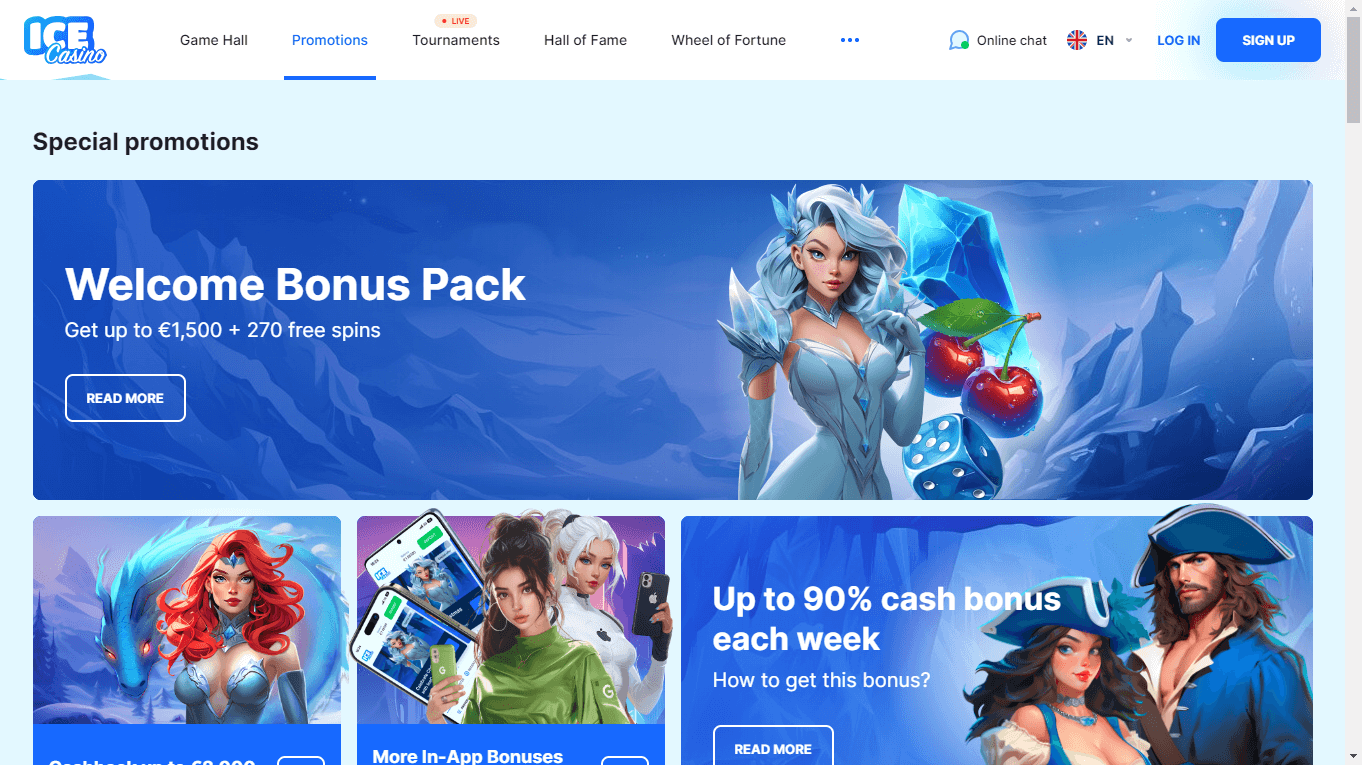
A lot of players now prefer to game on their phones or pads rather than turning on a desktop computer, and the trend has changed how online casinos create their software. The podívat se na podrobnosti app embraces this trend by offering a self-contained solution that keeps core games and account tools in one place. Because the app runs directly on the device, it can load graphics faster and maintain a stable connection even when the browser is closed. This article goes over the practical details you require before installing, including device compatibility, step-by-step setup, and what to expect once the software is on your phone or tablet.
Why a Dedicated App Is Important for Mobile Gaming
A dedicated app removes the extra layer of a browser, which means the graphics engine and sound files sit on your device instead of loading each time you open a game. That change alone reduces the lag you sometimes notice when a connection slows down. The Ice Casino app also keeps your session active in the background, so you can answer a call and return without logging in again. Because the interface is built for touchscreens, buttons are larger and spaced to avoid accidental taps. These changes make a difference when you play for longer sessions on a compact screen.
Another useful distinction is push notifications. The app can inform you when a tournament starts or when a balance update takes place, something a home screen bookmark cannot do. Data use is also lower because the app compresses images and reuses cached files, an advantage if you rely on mobile data instead of Wi-Fi. Lastly, the app saves your preferred game order, so the games you play most are at the top without additional searching.
Installing on Android: Sideloading Steps
Because Android permits sideloading, the Ice Casino app may be set up even when the Google Play Store does not have it. Initiate by turning on the option called “Install unknown apps” inside the security menu. Select your browser or file manager as the authorized source, then return to the obtained APK and open it. A screen displays showing the permissions the app asks for, such as storage access for storing game history and network access for live dealer tables.
If the installation stalls at the verification stage, ensure that your device date and time are configured automatically; incorrect values can block certificate checks. After the app installs, open it and log in with the exact credentials you use on the desktop site. The first launch fetches additional graphics packs, so maintain the phone linked to Wi-Fi to bypass mobile data charges during this step.
Main In-App Features and Browsing
The lobby opens with a search bar at the top and category tabs below it. Tapping “Live” shows dealer tables that stream in real time, while “Slots” displays both classic three-reel games and newer video slots with progressive jackpots. A persistent balance bar at the bottom shows your current funds in the chosen currency and updates instantly after each round.
Account tools sit behind a profile icon. From there you can switch payment methods, set deposit limits, or request a withdrawal without leaving the app. Game history appears in a separate tab and lists the last fifty rounds with timestamps and bet sizes, useful for tracking spending. A quick-switch button lets you switch between two accounts if you manage both a main and a bonus balance.
Speed and Battery Considerations
Live dealer streams consume more data than slot games because video is constantly refreshed. On a 4G connection the hourly usage varies from 300 MB to 500 MB depending on resolution, so players on limited plans may prefer Wi-Fi. Battery drain is moderate; the app reduces screen brightness after two minutes of inactivity, and you can change this setting in the preferences menu.
Frame rate remains above 30 frames per second on devices released in the last four years, assuming the graphics quality is set to “standard.” Switching to “high” improves card and reel detail but can cause the phone to warm up during extended sessions. If the device overheats, the app automatically decreases the setting and notifies you with a small banner.
Available Devices and Platforms
The Ice Casino app is available for current versions of Android and iOS, but the exact minimum requirements can vary with each update. On Android the software demands at least version 7.0 and a screen resolution of 1280 by 720 pixels or higher. On iOS the app operates on devices using version 13 or later, which includes the iPhone 7 and newer models as well as recent iPads. Older tablets may load the software, yet some graphics settings will drop to maintain frame rate.
Screen size also impacts layout. On phones the lobby presents games in two columns, while tablets show three or four columns depending on orientation. If your device has a custom ROM or a heavily modified operating system, the app may refuse to open for security reasons. In that case the browser version is an option, though it does not have the offline caching the app delivers.
Getting on iOS: Apple Store and TestFlight Methods
iOS users normally get the Ice Casino app through the standard App Store entry. Find the correct name, confirm the developer corresponds to the casino’s official entity, and click Get. If the app does not appear in your region, the casino may give a TestFlight link that bypasses store restrictions for a set period. You will receive an email invitation; confirm it on the same device you intend to use for play.
Once the app appears on your home screen, launch it and enable notifications if you wish balance alerts. Because iOS verifies each build, updates arrive through the same channel instead of direct downloads. If you uninstall the app and install again later, your login details are kept stored in the device keychain, so the process needs only the time required to retrieve the latest version.
Getting the App from Official Sources
The best route is to visit the Ice Casino site from your phone’s browser and tap the download link that works with your operating system. Android users obtain an APK file, while iOS users are directed to the App Store listing. Before starting the transfer, verify that the file size equals the number shown on the site; a sudden mismatch can indicate a corrupted or altered copy.
After the file arrives in your downloads folder, open it and allow installation from unknown sources if prompted. The process usually takes under two minutes on a recent phone, but older devices may take extra time to verify certificates. Once the icon appears on your home screen, tap it to complete the first-time setup, which includes accepting the terms and choosing a four-digit PIN for quick re-entry.
Data Consumption and Offline Capabilities

The majority of games need a live connection, yet the app stores the last viewed lobby layout and your chosen filters. naše volba This implies you can browse titles without data, although launching a game immediately verifies updates. A small banner pops up when the connection drops, providing you the option to attempt again or change to the browser site if the outage persists.
Payment and withdrawal functions continually require an active connection as they connect with payment processors. If you anticipate to travel through areas with weak coverage, schedule any banking tasks before you exit Wi-Fi range. The app also maintains a local copy of responsible-gaming tools, so limit-setting changes you made earlier stay visible even without signal.
Safety Measures Inside the App
Any login attempt creates a one-time code dispatched to the email address on file. The code becomes invalid after five minutes, reducing the window for interception. In addition, the app declines to run on devices that have been rooted or jailbroken, a step that blocks malware from reading game files or intercepting keystrokes.
Payment card details are tokenized before they leave the device, so the actual numbers never pass across the network. If you turn on biometric login, the app saves only a mathematical representation of your fingerprint or face, not the image itself. These layers work together to keep both funds and personal data secured without extra steps each time you game.
Updates, Compatibility Checks, and Problem Solving
The Ice Casino developer team releases app updates roughly every four to six weeks. When a new version is released, a badge appears on the app icon, and tapping it opens the update notes. These notes detail bug fixes and new games, enabling you to pick whether to install immediately or wait. Skipping more than two updates can cause slower loading because older builds no longer receive optimized graphics packs.
If the app refuses to open after an update, the first step is to clear the cache from the device settings menu. On Android this option can be found under Apps > Ice Casino > en.wikipedia.org Storage; on iOS you delete and set up again the software. Should the issue persist, the support chat inside the app can create a diagnostics file that the technical team examines within one business day.